
Layer in some acid house
Add a drum variation from the Roland Cloud TR-707 Software Rhythm Composer, then bring in an acid bassline from the Roland Cloud TB-303 Software Bass Line.

 Pattern Conductor
Bring the gear you love into the music you make. Arrange the patterns already on your drum machines and sequencers right from Ableton Live.
30 days free on Apple Silicon Macs. Help test Pattern Conductor.
Illustrated studio setup
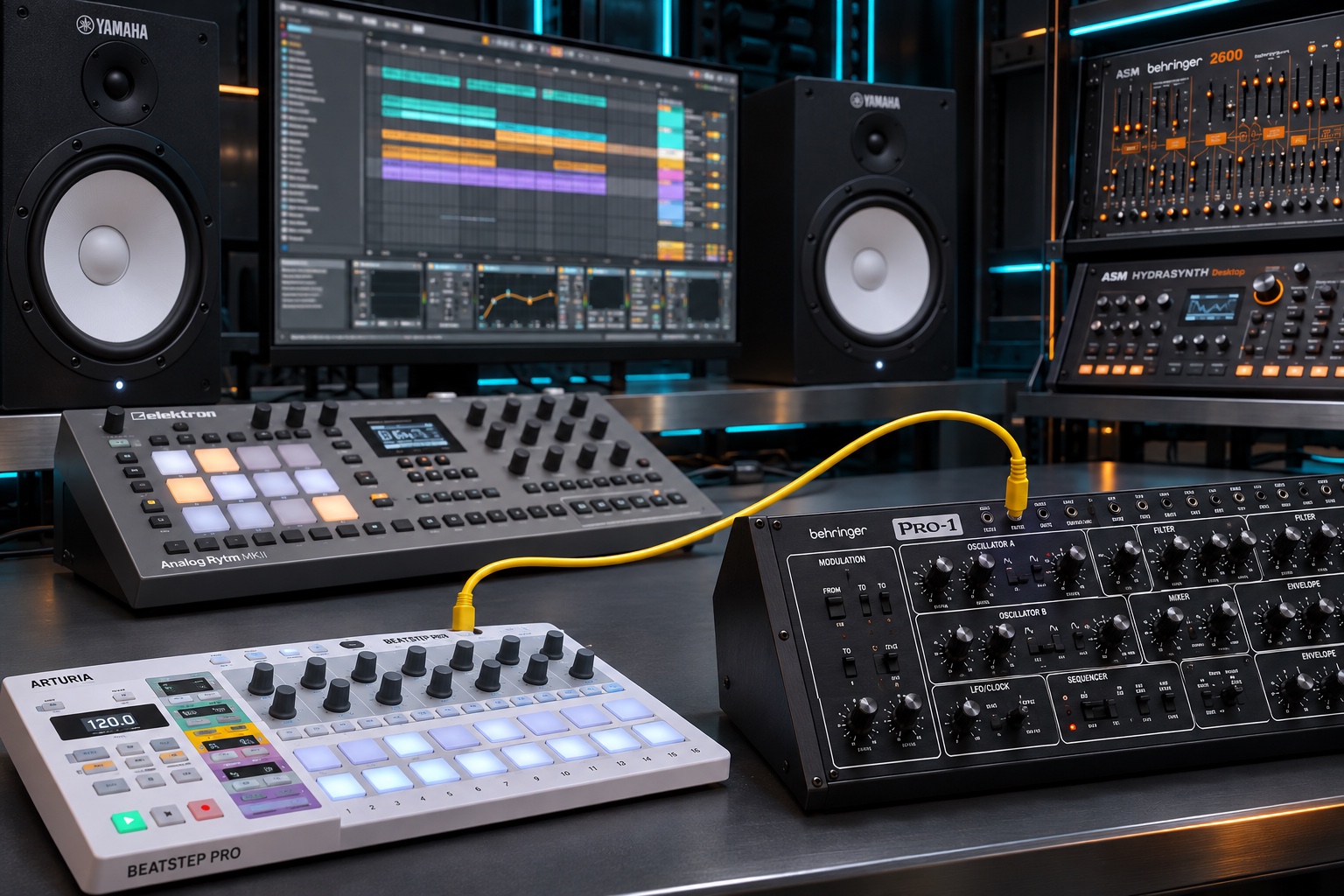
I love hardware. But as my collection grew, I still reached for soft synths when I sat down to write. I could lay down a track while the idea was fresh. Getting my hardware to play together took me out of that headspace.
On days when I did turn the gear on, I’d look up and half the day would be gone by the time everything was playing together.
So I built Pattern Conductor. I wanted to keep writing patterns on the machines I love and bring them into the songs I make in Ableton Live.
Build a beat right on your Elektron Analog Rytm and play it through Ableton Live. Layer another rhythm and a bassline from your Arturia BeatStep Pro. When those parts click, give them a place in the song.
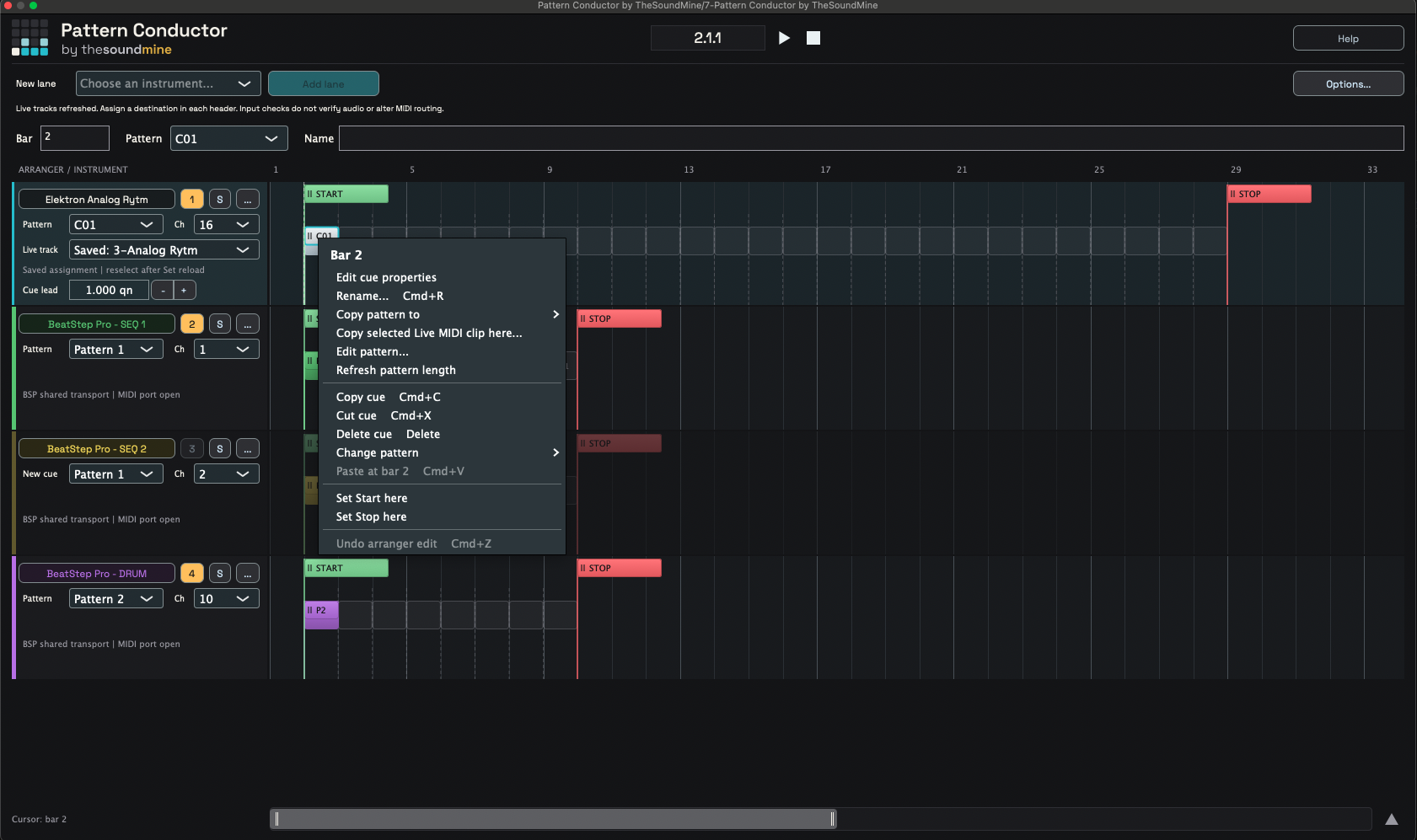
Add a drum variation from the Roland Cloud TR-707 Software Rhythm Composer, then bring in an acid bassline from the Roland Cloud TB-303 Software Bass Line.
Pick where a part starts, stops, or switches patterns. Let the arrangement handle the changes while you work the filter or play the next part.
Copy a drum pattern from the Elektron Analog Rytm to the Arturia BeatStep Pro and trigger a different kit alongside the original. Copy patterns between supported devices and MIDI clips in Ableton Live.
Pick a groove you love and give it a place in your next track. See which instruments are supported or open the setup guide.